10 presets
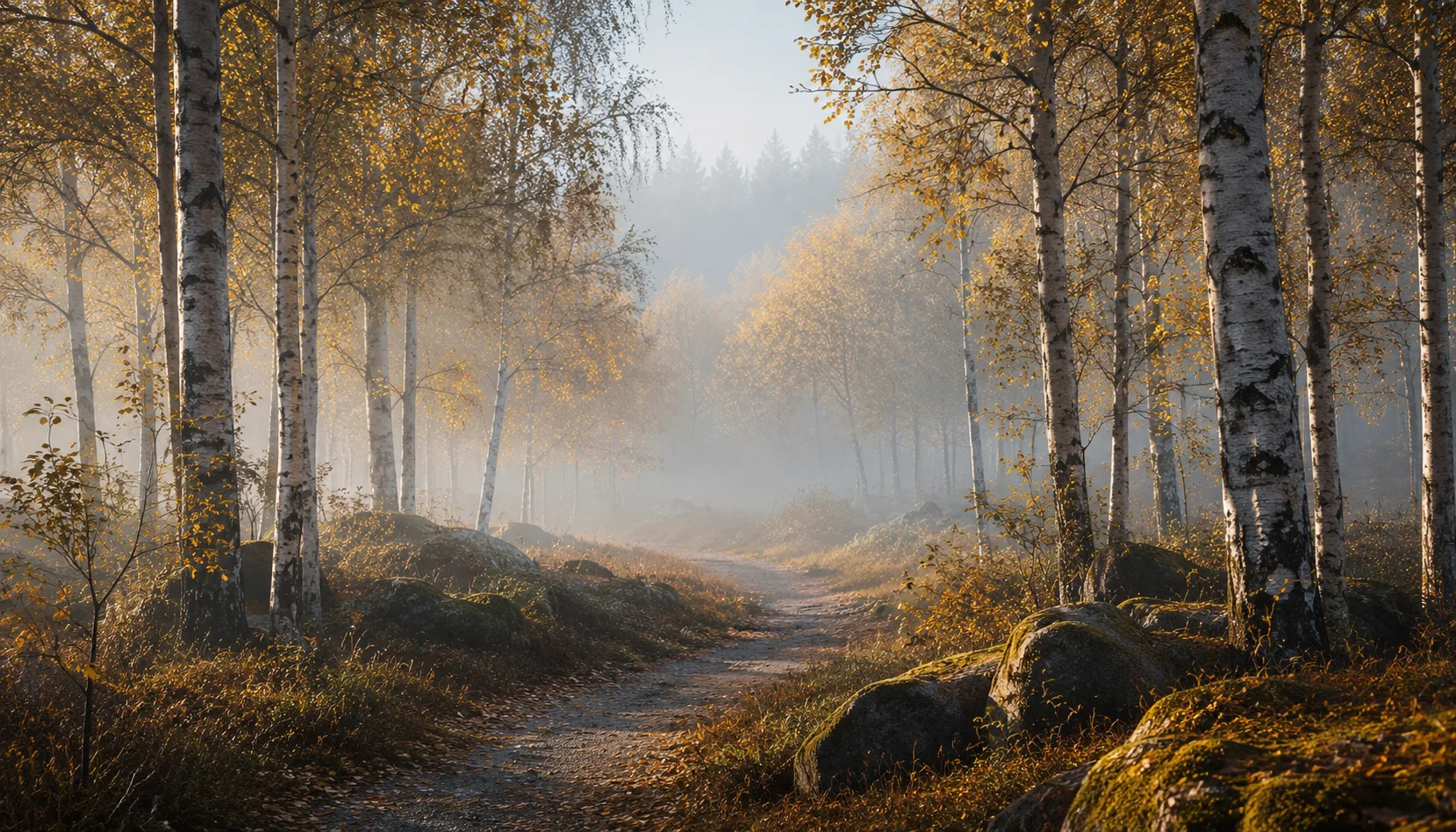
Ten presets for calm in your images. Restrained and quiet, with low saturation that never turns grey and skin that stays natural. For when you let stillness speak instead of colour.

Silence
All looks on one photo
The same photo, every preset. Switch the test image to see how the looks hold up.


About Silence
Silence is about what you leave out, not what you add. Ten presets that hold colour and contrast back just a little more than usual, so a photo gains calm instead of asking for attention.
This pack is made for photographers who have had enough of loud, shouting colour and want a counterweight. Whether you're shooting portraits in soft light, capturing interiors, or just want to hold on to a quiet moment: Silence gives each of those images a restrained, considered tone.
The presets work best on images that already carry something calm. Breathing Room and Emptiness suit bright, open scenes, Withdrawn and Hushed suit dark, introspective moments. Morning Calm and Stilled Light lean into warmth, Whisper Grey and Soft Haze lean into a cooler, hazier tone instead. Standstill is the most subtle of all, Silence Black and White lets go of colour entirely.
Ten separate presets are ten starting points, but together they form one consistent voice: calm, restrained, never grey or lifeless. You choose not by brightness, but by which kind of quiet suits your photo.
You install the pack in Lightroom Classic or Lightroom through the usual preset import step. After that they sit ready in your preset panel. Open a photo, click a preset, and adjust light or exposure where needed. Working through a series? Sync the chosen preset across the whole selection.
What's included in the download?
Presets for Lightroom Classic and Lightroom Desktop. Import via the Presets panel in the Develop module. Works on RAW and JPEG.
Capture One styles. Import via the Styles panel. Compatible with Capture One Pro and Capture One Express for Sony, Fujifilm and Nikon.
3D LUT for use in DaVinci Resolve, Adobe Premiere Pro, Final Cut Pro and other video software. Also works in Photoshop via Camera Raw or as a Color Lookup adjustment layer.
Installation instructions for Lightroom, Capture One and video software. Step by step.
Installation
Lightroom Classic (.xmp)
Open Lightroom Classic and go to the Develop module. In the Presets panel, click the plus icon and choose "Import Presets". Select the .xmp files from the unzipped folder. After import the presets appear in your chosen folder and are immediately available for all photos in your library.
Lightroom (mobile and desktop app)
Open a photo in Lightroom. Tap "Presets" at the bottom, then tap the three-dot menu in the top right. Choose "Import Presets" and select the .xmp files. On mobile, access this via the three dots at the top of the edit screen. Presets sync automatically to all your devices via Adobe Creative Cloud.
Capture One (.costyle)
Open Capture One and go to the Styles panel in the Color tool. Click the arrow menu next to "Styles" and choose "Import Styles". Select the .costyle files. The styles are then immediately available in the Styles panel and can be applied to any selected photo or multiple photos at once.
DaVinci Resolve / Premiere Pro (.cube)
Copy the .cube files to a fixed folder on your drive. In DaVinci Resolve add a Color LUT node and import the .cube file by right-clicking the node. In Premiere Pro use the "Lumetri Color" effect and under "Creative" choose the "Look" option to load the .cube file. The LUT also works in Final Cut Pro via an FCPX Plugin or in Photoshop as an adjustment layer.