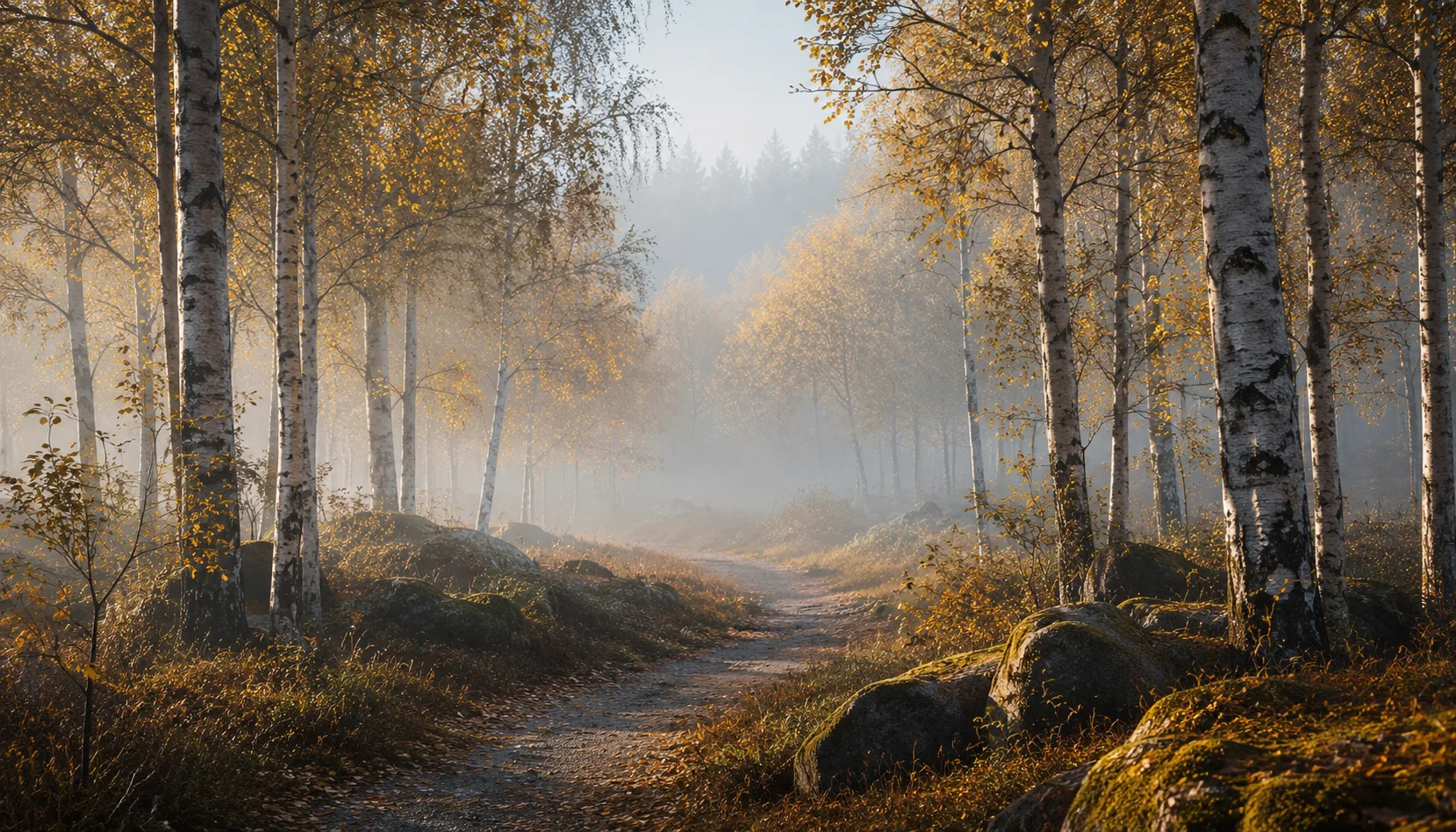
8 presets
Light, cheerful and festive. Airy bright wedding photography with soft white tones.
Wedding
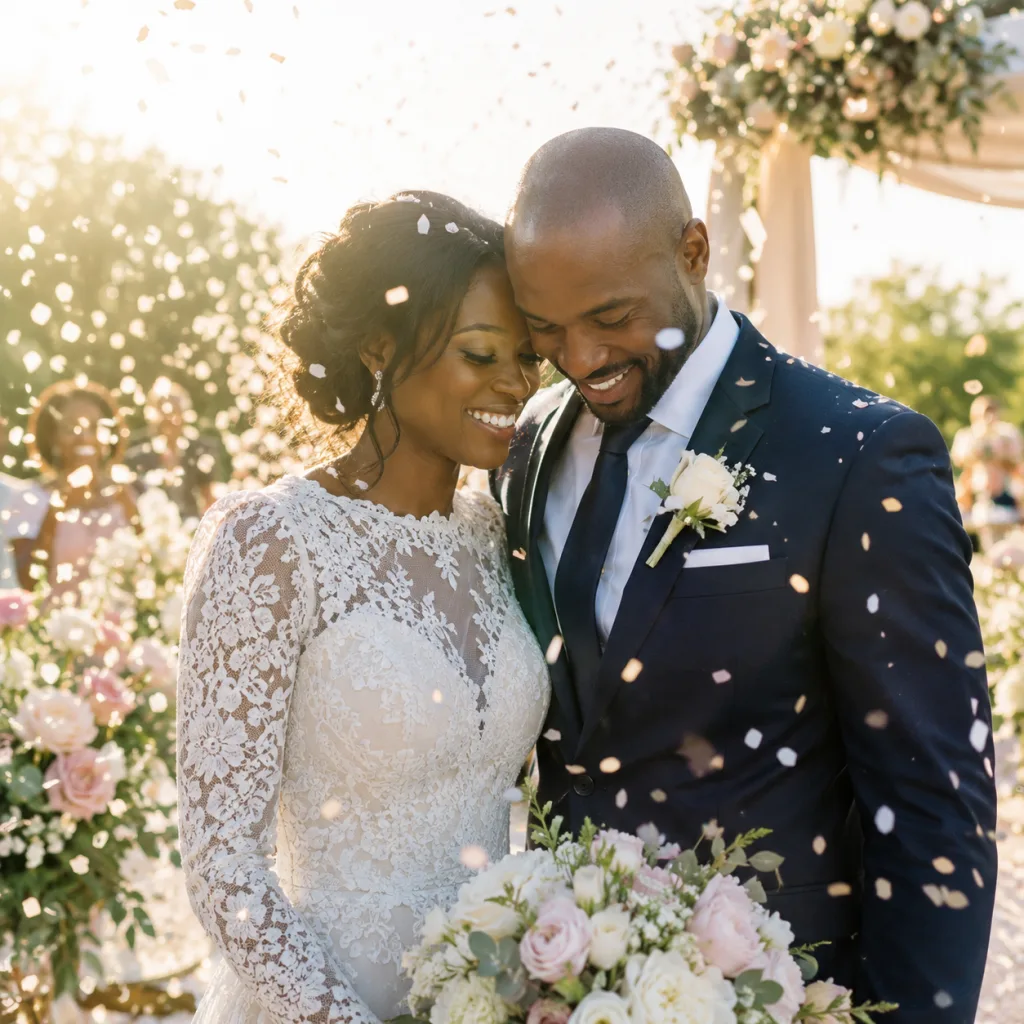
All looks on one photo
The same photo, every preset. Switch the test image to see how the looks hold up.


About Wedding
Wedding photos live by light. Not the flat, controlled light of a studio portrait, but the soft glow of a sunny morning, the warm haze of a late afternoon on the terrace, the bright scatter of confetti caught mid-air. The presets in this pack are built around one visual idea: light, open and celebratory, with soft white tones that let skin breathe and keep colours gentle but present. No artificial brightness that blows out detail. Instead, a consistent, recognisable look that holds together from ceremony to dancing.
This pack is made for photographers who document weddings in a reportage style. You follow the day as it unfolds, you direct little, and you want your editing to move as naturally as your shooting does. You do not have an hour to spend on colour and tone per wedding. The Wedding pack gives you a reliable starting point, even when the light shifts between a church interior, an outdoor reception and an evening banquet room.
The presets work best in scenes with generous light or soft shadow areas: a layered wedding dress by a window, laughing guests on a sunny terrace, ring and flower detail shots on a light surface, confetti in backlight, a first dance in a warmly lit venue. The soft white tones give bright backgrounds space without bleaching them out. Skin tones stay warm and alive, even in bright outdoor light. On darker locations or in heavier shadows, a small exposure adjustment is usually enough. The base style holds.
What makes these presets valuable as a collection is consistency. Every preset in the pack shares the same tonal foundation: the same approach to white balance, the same handling of highlights, the same soft but present colours. A photo from the ceremony and a photo from the dinner table look like they belong to the same story, even though they were made hours apart in completely different conditions. You choose the preset that fits the mood of the scene, not the preset that compensates for the light, and that saves you a lot of fine-tuning later.
In practice: import your wedding photos, group them roughly by moment or location, and apply the preset that fits the feel of each block. Use Lightroom's sync function to copy settings across similar frames. Fine-tuning happens photo by photo after that, but those are small adjustments. Most photographers using this pack finish a full gallery in a few hours. Export to your usual format and folder structure. The pack fits into any existing workflow without asking you to change how you work.
What's included in the download?
Presets for Lightroom Classic and Lightroom Desktop. Import via the Presets panel in the Develop module. Works on RAW and JPEG.
Capture One styles. Import via the Styles panel. Compatible with Capture One Pro and Capture One Express for Sony, Fujifilm and Nikon.
3D LUT for use in DaVinci Resolve, Adobe Premiere Pro, Final Cut Pro and other video software. Also works in Photoshop via Camera Raw or as a Color Lookup adjustment layer.
Installation instructions for Lightroom, Capture One and video software. Step by step.
Installation
Lightroom Classic (.xmp)
Open Lightroom Classic and go to the Develop module. In the Presets panel, click the plus icon and choose "Import Presets". Select the .xmp files from the unzipped folder. After import the presets appear in your chosen folder and are immediately available for all photos in your library.
Lightroom (mobile and desktop app)
Open a photo in Lightroom. Tap "Presets" at the bottom, then tap the three-dot menu in the top right. Choose "Import Presets" and select the .xmp files. On mobile, access this via the three dots at the top of the edit screen. Presets sync automatically to all your devices via Adobe Creative Cloud.
Capture One (.costyle)
Open Capture One and go to the Styles panel in the Color tool. Click the arrow menu next to "Styles" and choose "Import Styles". Select the .costyle files. The styles are then immediately available in the Styles panel and can be applied to any selected photo or multiple photos at once.
DaVinci Resolve / Premiere Pro (.cube)
Copy the .cube files to a fixed folder on your drive. In DaVinci Resolve add a Color LUT node and import the .cube file by right-clicking the node. In Premiere Pro use the "Lumetri Color" effect and under "Creative" choose the "Look" option to load the .cube file. The LUT also works in Final Cut Pro via an FCPX Plugin or in Photoshop as an adjustment layer.