8 presets
Fairground, festival, spring and summer. Warm cheerful colours and energetic atmosphere.
Festival
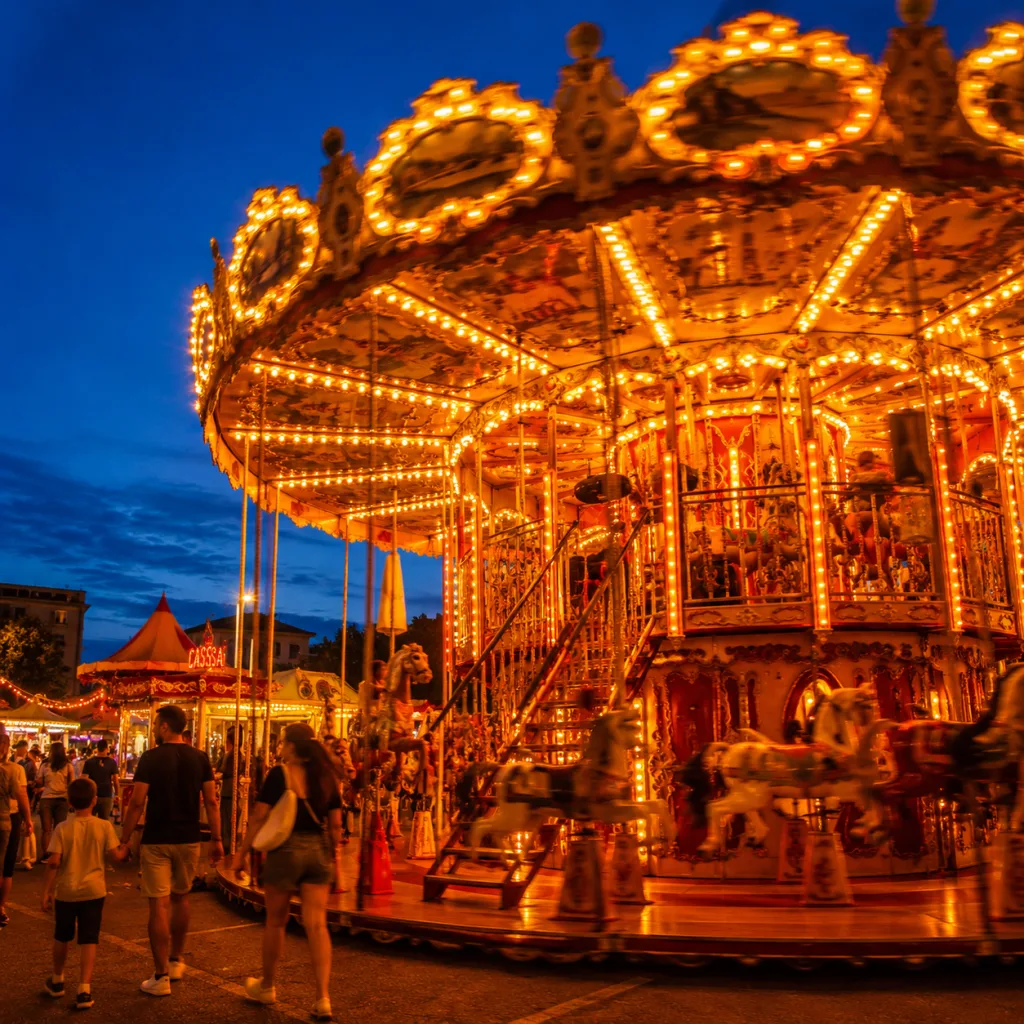
All looks on one photo
The same photo, every preset. Switch the test image to see how the looks hold up.


About Festival
The Festival pack is built around one feeling: being outside when the days are long and the mood is good. Every preset in this pack shares warm midtones, open shadow detail, and colours that breathe without shouting. Yellow flows into orange. Red stays lively without going raw. Green keeps its depth. The palette fits the season, not a filter trend.
This pack was made for photographers working at fairgrounds, festivals, and outdoor markets, but also for anyone shooting portraits in the summer city or simply outside when the light goes low. You do not need to be a street photographer to get something out of it. If you photograph people, light, and crowds in the warmer months, this connects with what you already see through your viewfinder.
The presets work well on scenes with colour and movement: string lights, market stalls, people in summer clothes, children running, portraits in backlight. They also hold up on quieter moments, an older man on a bench, a stall still being set up, a quiet street before the crowd arrives. The presets are calibrated to give the subject room rather than pushing it under a heavy look.
A single preset gives you a starting point. A pack gives you consistency. The presets in Festival were developed together, not in isolation. You notice this when you process a set of images: the tone stays recognisable from frame to frame, even when the light shifts or you move from a portrait to a wider scene. For social media, a portfolio, or an editorial series, that consistency matters.
In Lightroom you drag a preset onto a photo, adjust exposure and white balance where needed, and you are done. Most shots need little correction beyond that. Start with the preset that matches your light most closely, use the History panel to compare, and copy your adjustments as a base for the next photo in the same set. That way you move quickly without starting over every time.
What's included in the download?
Presets for Lightroom Classic and Lightroom Desktop. Import via the Presets panel in the Develop module. Works on RAW and JPEG.
Capture One styles. Import via the Styles panel. Compatible with Capture One Pro and Capture One Express for Sony, Fujifilm and Nikon.
3D LUT for use in DaVinci Resolve, Adobe Premiere Pro, Final Cut Pro and other video software. Also works in Photoshop via Camera Raw or as a Color Lookup adjustment layer.
Installation instructions for Lightroom, Capture One and video software. Step by step.
Installation
Lightroom Classic (.xmp)
Open Lightroom Classic and go to the Develop module. In the Presets panel, click the plus icon and choose "Import Presets". Select the .xmp files from the unzipped folder. After import the presets appear in your chosen folder and are immediately available for all photos in your library.
Lightroom (mobile and desktop app)
Open a photo in Lightroom. Tap "Presets" at the bottom, then tap the three-dot menu in the top right. Choose "Import Presets" and select the .xmp files. On mobile, access this via the three dots at the top of the edit screen. Presets sync automatically to all your devices via Adobe Creative Cloud.
Capture One (.costyle)
Open Capture One and go to the Styles panel in the Color tool. Click the arrow menu next to "Styles" and choose "Import Styles". Select the .costyle files. The styles are then immediately available in the Styles panel and can be applied to any selected photo or multiple photos at once.
DaVinci Resolve / Premiere Pro (.cube)
Copy the .cube files to a fixed folder on your drive. In DaVinci Resolve add a Color LUT node and import the .cube file by right-clicking the node. In Premiere Pro use the "Lumetri Color" effect and under "Creative" choose the "Look" option to load the .cube file. The LUT also works in Final Cut Pro via an FCPX Plugin or in Photoshop as an adjustment layer.