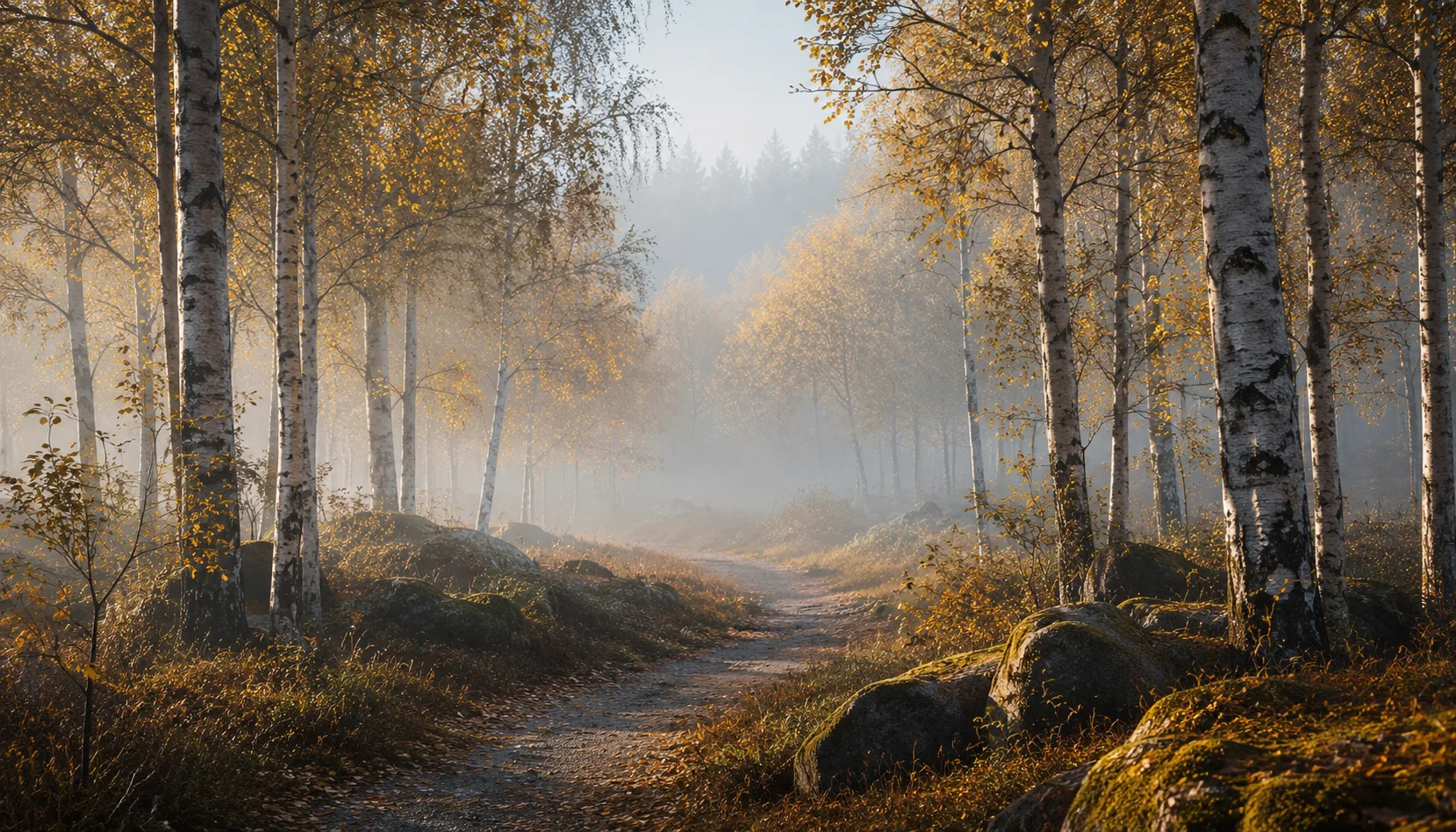
8 presets
Light and airy. White and blue tones, overexposed feel, minimalist and clean.
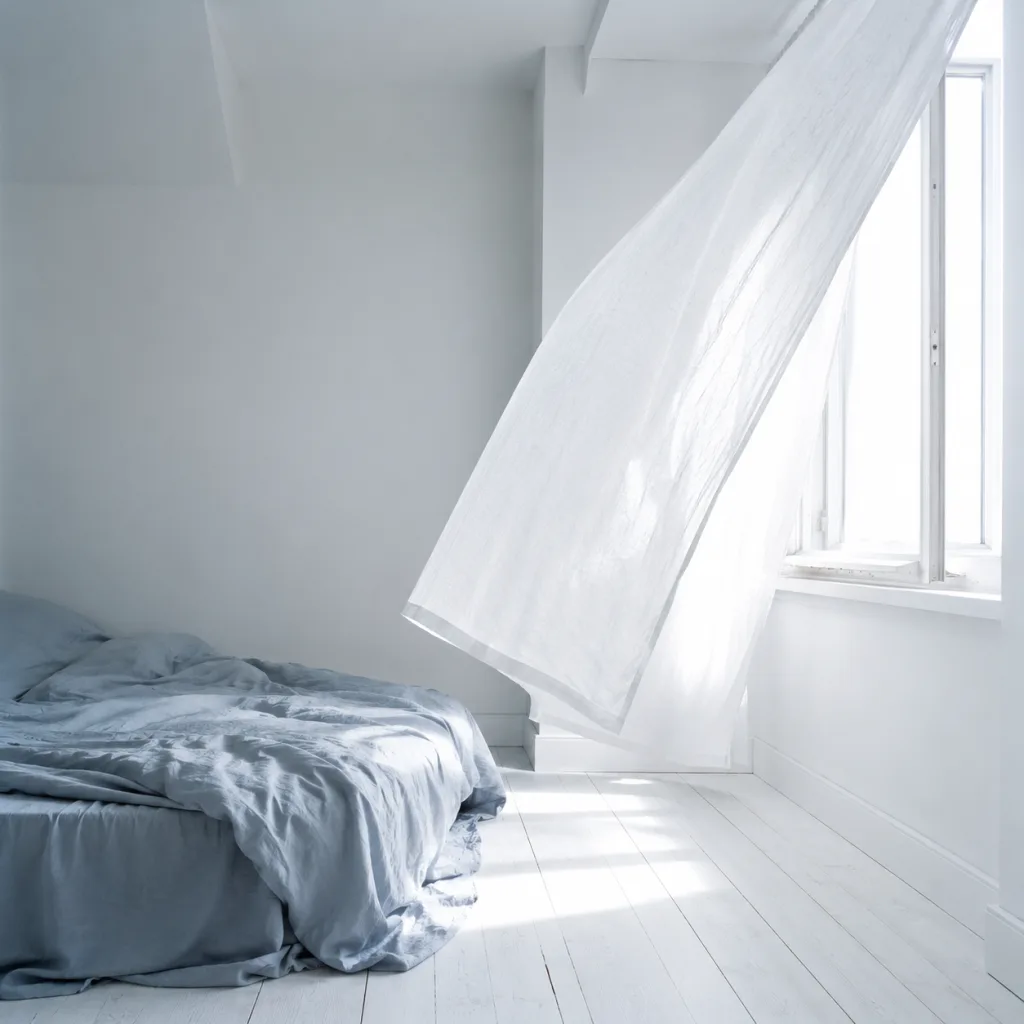
Linen & light
All looks on one photo
The same photo, every preset. Switch the test image to see how the looks hold up.


About Linen & light
Linen & Light is built around one feeling: space. Bright, almost overexposed images with cool white tones and a touch of soft blue. No heavy contrast, no shadows pulling focus away from what matters. Every preset in this pack starts from the same place: let light fill the frame, keep colours quiet, and give the subject room to breathe. That shared foundation is what makes this a collection rather than a random set of files.
This pack was made for photographers who work with natural light and prefer to work with it rather than against it. Portrait photographers shooting outdoors on overcast days or in open shade. Lifestyle and documentary photographers capturing everyday life without adding drama. Street photographers who lean toward atmosphere over statement. If your instinct already pulls you toward open, airy images, Linen & Light fits that instinct.
The presets perform best in scenes with soft, diffused light, white or neutral backgrounds, and subjects in open shade. A quiet street on a grey morning. A portrait near a window. A simple interior with plenty of natural light. The blue shift in the shadows gives images a clean, almost analogue quality without looking processed. Situations with harsh midday sun or strong golden tones will need a little more adjustment, but a few tweaks to exposure and white balance are usually enough to get there.
A single preset gives you a starting point. A pack gives you consistency. Every file in Linen & Light was developed together, with the same tonal relationships and colour decisions running through all of them. That means you can move between variations without losing coherence, whether you're editing a single shoot or pulling together images from different sessions. The look holds.
In Lightroom, apply the presets the same way you would any other: one click, then check what needs adjusting. Most files in this pack assume a well-exposed base, so if your raw file is underexposed, correct the exposure first before applying the preset. When editing a larger set of images, use the sync function to carry your adjustments across the batch. That way Linen & Light becomes part of your editing rhythm, not an extra step that slows you down.
What's included in the download?
Presets for Lightroom Classic and Lightroom Desktop. Import via the Presets panel in the Develop module. Works on RAW and JPEG.
Capture One styles. Import via the Styles panel. Compatible with Capture One Pro and Capture One Express for Sony, Fujifilm and Nikon.
3D LUT for use in DaVinci Resolve, Adobe Premiere Pro, Final Cut Pro and other video software. Also works in Photoshop via Camera Raw or as a Color Lookup adjustment layer.
Installation instructions for Lightroom, Capture One and video software. Step by step.
Installation
Lightroom Classic (.xmp)
Open Lightroom Classic and go to the Develop module. In the Presets panel, click the plus icon and choose "Import Presets". Select the .xmp files from the unzipped folder. After import the presets appear in your chosen folder and are immediately available for all photos in your library.
Lightroom (mobile and desktop app)
Open a photo in Lightroom. Tap "Presets" at the bottom, then tap the three-dot menu in the top right. Choose "Import Presets" and select the .xmp files. On mobile, access this via the three dots at the top of the edit screen. Presets sync automatically to all your devices via Adobe Creative Cloud.
Capture One (.costyle)
Open Capture One and go to the Styles panel in the Color tool. Click the arrow menu next to "Styles" and choose "Import Styles". Select the .costyle files. The styles are then immediately available in the Styles panel and can be applied to any selected photo or multiple photos at once.
DaVinci Resolve / Premiere Pro (.cube)
Copy the .cube files to a fixed folder on your drive. In DaVinci Resolve add a Color LUT node and import the .cube file by right-clicking the node. In Premiere Pro use the "Lumetri Color" effect and under "Creative" choose the "Look" option to load the .cube file. The LUT also works in Final Cut Pro via an FCPX Plugin or in Photoshop as an adjustment layer.