10 presets
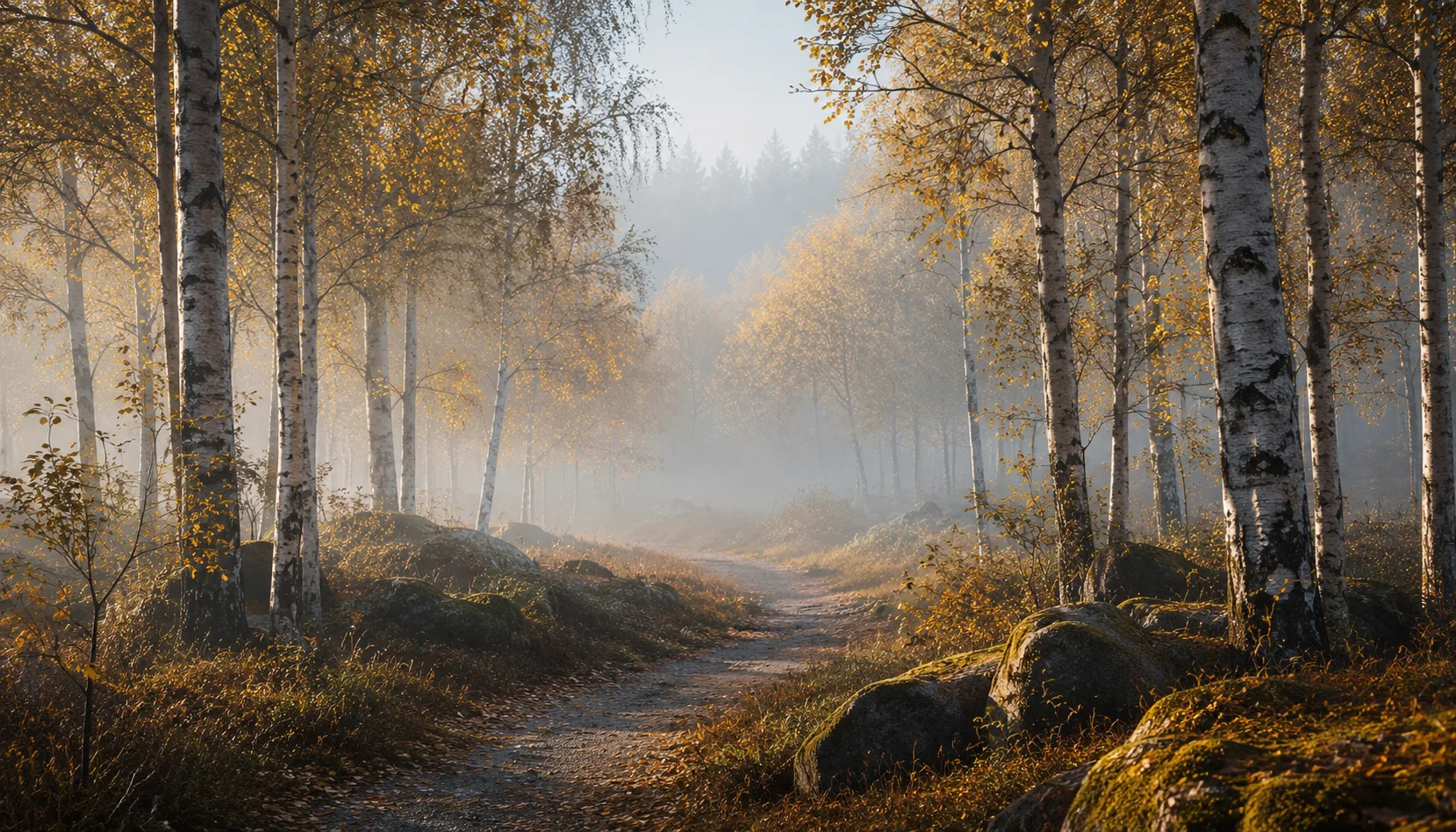
Ten presets inspired by Dutch poets. Light, composition and emotion as verse.
Poetry
All looks on one photo
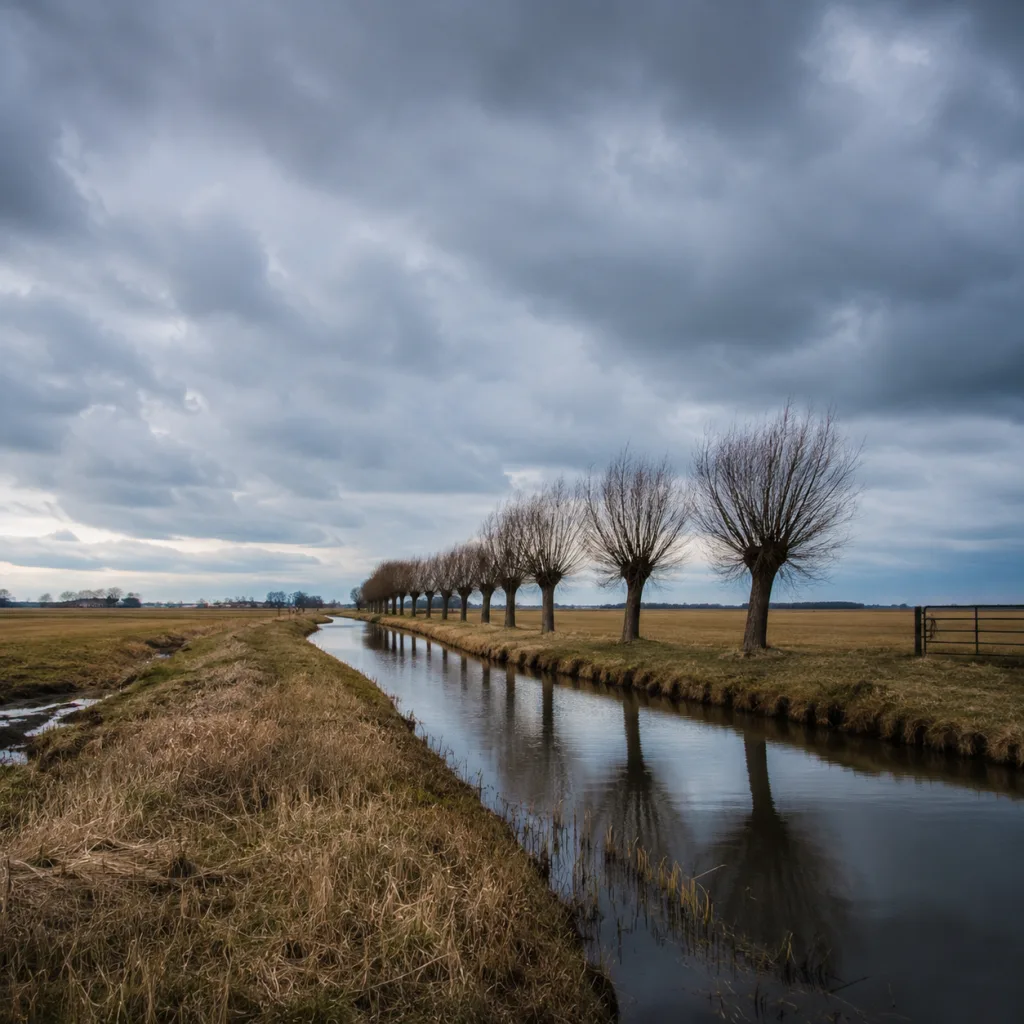
The same photo, every preset. Switch the test image to see how the looks hold up.


About Poetry
Poetry does not start with words. It starts with a feeling you want to hold on to, a light that reaches you before you have a name for it. The Poetry pack is built around that moment. Ten presets, each inspired by a Dutch poet, each with its own tone. Yet they belong together the way lines belong in a poem. The common thread is restrained contrast, soft shadows without losing depth, and light that breathes at the edges of the frame. No filters that shout. Colors that whisper.
This pack is made for photographers who work slowly. Who wait for the right moment instead of firing at everything that moves. Street photography where the noise of the city can stay in the background. Portraits where the expression matters more than what is behind it. Documentary work in everyday light, without drama. If you make photographs where silence plays a role, the Poetry pack fits that way of working.
The presets perform well in overcast daylight, golden hour, and interior situations with window light. They are calibrated for neutral and cool skin tone palettes but do not distort warm tones. Well suited for street scenes with people in motion, still life, and portrait work in quiet surroundings. The presets are not designed for heavy cropping or strong exposure corrections after the fact. They are meant as a starting point, not a finishing line. Adjust where needed, but many images are ready with a single click.
Ten separate presets are ten options. Ten presets designed together are a visual language. The Poetry pack works as a collection because each preset is calibrated to the same color temperature approach and the same contrast baseline. You can switch between presets within one series without the images falling apart. That gives a set of photographs coherence without manually matching every single frame. It saves time. It also gives you a stronger series.
Install the pack in Lightroom Classic or Lightroom CC using the standard import function. You will find all ten presets in a dedicated folder in the preset panel. Start with the preset that feels closest to the mood of your image, adjust exposure if needed, and work from there. You do not need to understand every slider to get good results. But if you want to know how the presets are built, the settings are open. Nothing is locked.
What's included in the download?
Presets for Lightroom Classic and Lightroom Desktop. Import via the Presets panel in the Develop module. Works on RAW and JPEG.
Capture One styles. Import via the Styles panel. Compatible with Capture One Pro and Capture One Express for Sony, Fujifilm and Nikon.
3D LUT for use in DaVinci Resolve, Adobe Premiere Pro, Final Cut Pro and other video software. Also works in Photoshop via Camera Raw or as a Color Lookup adjustment layer.
Installation instructions for Lightroom, Capture One and video software. Step by step.
Installation
Lightroom Classic (.xmp)
Open Lightroom Classic and go to the Develop module. In the Presets panel, click the plus icon and choose "Import Presets". Select the .xmp files from the unzipped folder. After import the presets appear in your chosen folder and are immediately available for all photos in your library.
Lightroom (mobile and desktop app)
Open a photo in Lightroom. Tap "Presets" at the bottom, then tap the three-dot menu in the top right. Choose "Import Presets" and select the .xmp files. On mobile, access this via the three dots at the top of the edit screen. Presets sync automatically to all your devices via Adobe Creative Cloud.
Capture One (.costyle)
Open Capture One and go to the Styles panel in the Color tool. Click the arrow menu next to "Styles" and choose "Import Styles". Select the .costyle files. The styles are then immediately available in the Styles panel and can be applied to any selected photo or multiple photos at once.
DaVinci Resolve / Premiere Pro (.cube)
Copy the .cube files to a fixed folder on your drive. In DaVinci Resolve add a Color LUT node and import the .cube file by right-clicking the node. In Premiere Pro use the "Lumetri Color" effect and under "Creative" choose the "Look" option to load the .cube file. The LUT also works in Final Cut Pro via an FCPX Plugin or in Photoshop as an adjustment layer.