15 presets
Fifteen presets for sports photography — from ice hockey to cycling, from finish line to red scoreboard.
Sport
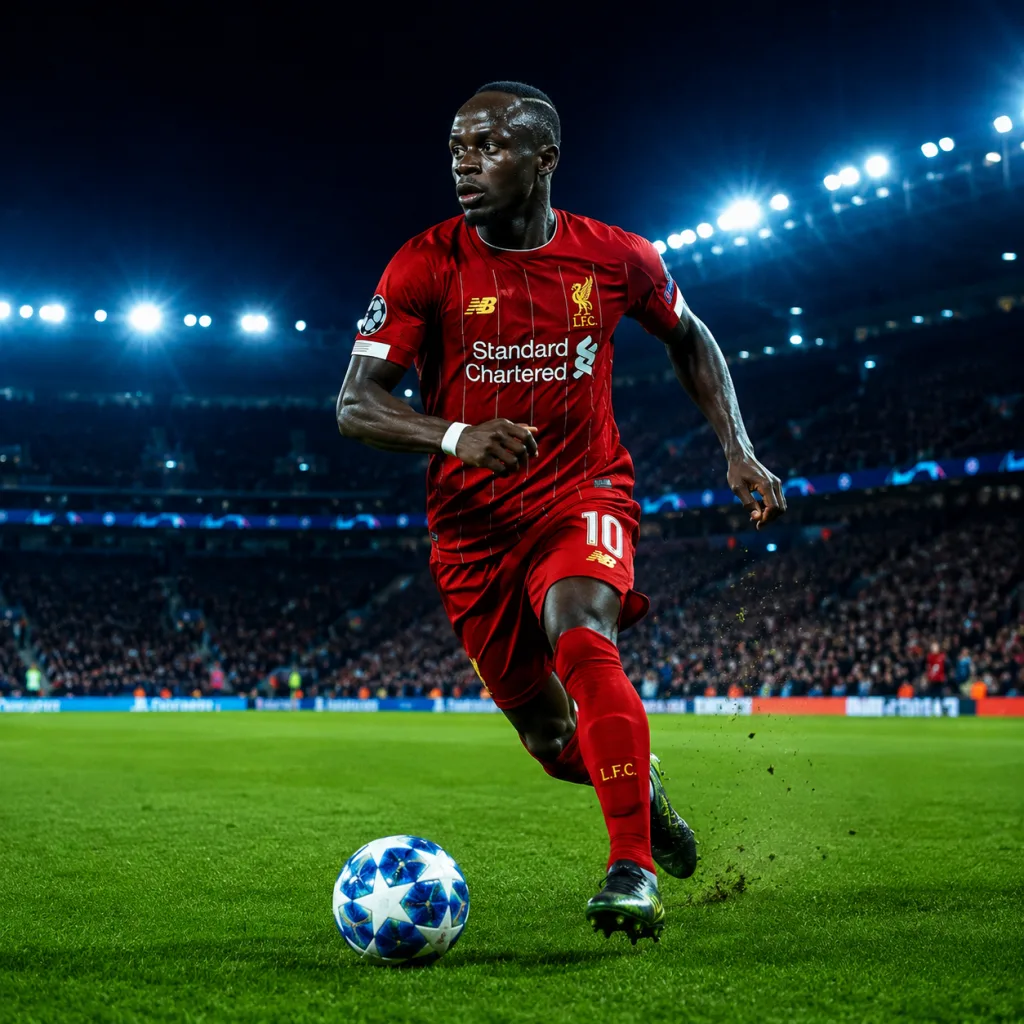
All looks on one photo
The same photo, every preset. Switch the test image to see how the looks hold up.

Football – Blue Stadium

Hyrox – Iron Floor

Tennis – Roland Garros

Golf – Morning Dew

Hockey – Final Whistle

Skating – Ice Rink Blue

Karate – Red Tatami

Rugby – Mud & Blood

Running – Finish Line

Ice Hockey – Neon Arena

Formula 1 – Pole Position

Cycling – Alpe d'Huez

MMA – Ground & Pound

Surf – Shoreline

Basketball – Hardwood

About Sport
Sport has its own visual logic. Movement, tension, the moment just before or just after the action. The fifteen presets in this pack are built around one consistent idea: contrast that feels right. Not overdone, not over-polished. The colours land where they should, shadows hold detail, and highlights stay under control. Whether you are shooting under the harsh fluorescent lights of an ice hockey rink or in the sharp afternoon sun at a cycling race, these presets keep the image grounded.
This pack is for photographers who regularly cover matches, races, or sporting events. People who know what it feels like to come home with a hundred frames and still want to sit down and edit them properly. It also works if you shoot sport occasionally, as a sideline photographer for a local club, or when you are covering an athletics event for a magazine or client. You do not need to be a dedicated sports photographer to get something out of it.
The presets work well in high-contrast situations with shifting light: indoor athletics, basketball, swimming, ice hockey. But also outdoors, at cycling races, football matches, or road races. Think of images with scoreboards in the background, finish lines, stands full of colour, or the small detail of a hand holding a trophy. These presets are not designed for one sport. They are designed for the atmosphere of competitive photography in general. That mix of adrenaline, light, and human tension that every sport carries, whatever the level.
Fifteen presets on their own are fifteen options. As a collection, they are fifteen perspectives on the same subject. You start to see more quickly which one fits a given situation, and you also learn what your own preferences are. Some presets sit closer to documentary photography, others give the image a bit more energy. That range is intentional. Sport is not always the same, and your editing style does not have to be either.
Load the pack once into Lightroom Classic or Lightroom CC. Put them in a folder you can reach quickly, for example under your favourites panel. At the start of an edit session, import your frames, do a rough cull, then apply one preset to a representative image. Does the base feel right? Sync it across the rest of the sequence. Smaller adjustments per image come after that. Differences in exposure, an awkward white balance in an indoor arena, you can fix those without losing the preset as your foundation. Think of these presets as a starting point, not a finishing line.
What's included in the download?
Presets for Lightroom Classic and Lightroom Desktop. Import via the Presets panel in the Develop module. Works on RAW and JPEG.
Capture One styles. Import via the Styles panel. Compatible with Capture One Pro and Capture One Express for Sony, Fujifilm and Nikon.
3D LUT for use in DaVinci Resolve, Adobe Premiere Pro, Final Cut Pro and other video software. Also works in Photoshop via Camera Raw or as a Color Lookup adjustment layer.
Installation instructions for Lightroom, Capture One and video software. Step by step.
Installation
Lightroom Classic (.xmp)
Open Lightroom Classic and go to the Develop module. In the Presets panel, click the plus icon and choose "Import Presets". Select the .xmp files from the unzipped folder. After import the presets appear in your chosen folder and are immediately available for all photos in your library.
Lightroom (mobile and desktop app)
Open a photo in Lightroom. Tap "Presets" at the bottom, then tap the three-dot menu in the top right. Choose "Import Presets" and select the .xmp files. On mobile, access this via the three dots at the top of the edit screen. Presets sync automatically to all your devices via Adobe Creative Cloud.
Capture One (.costyle)
Open Capture One and go to the Styles panel in the Color tool. Click the arrow menu next to "Styles" and choose "Import Styles". Select the .costyle files. The styles are then immediately available in the Styles panel and can be applied to any selected photo or multiple photos at once.
DaVinci Resolve / Premiere Pro (.cube)
Copy the .cube files to a fixed folder on your drive. In DaVinci Resolve add a Color LUT node and import the .cube file by right-clicking the node. In Premiere Pro use the "Lumetri Color" effect and under "Creative" choose the "Look" option to load the .cube file. The LUT also works in Final Cut Pro via an FCPX Plugin or in Photoshop as an adjustment layer.